
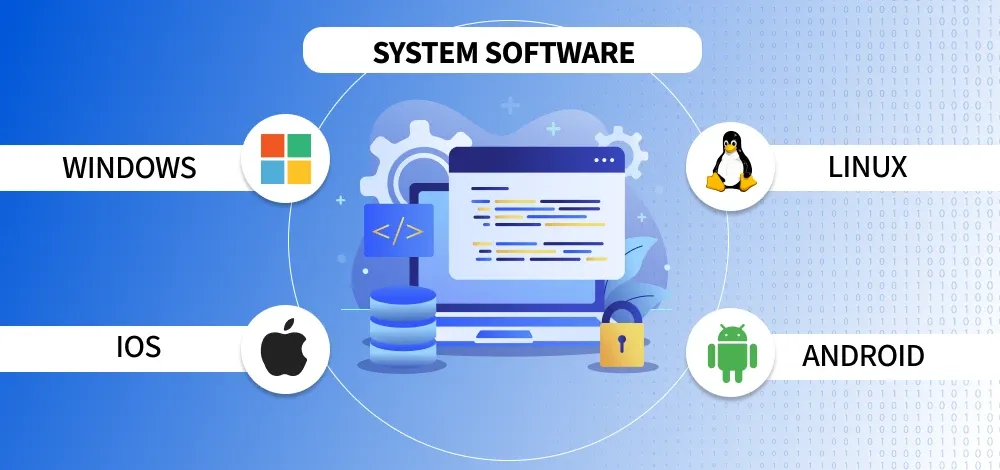
If you’ve ever used a computer or smartphone, you’ve already used system software—even if you didn’t realize it. Most beginners hear terms like apps, programs, or software, but very few understand what actually runs behind the scenes. In this complete beginner guide to what is system software, we’ll break everything down in a simple and practical way.
At Secure Guide Tech, the goal is to make technology easy to understand. So don’t worry—no complicated terms here, just clear explanations.
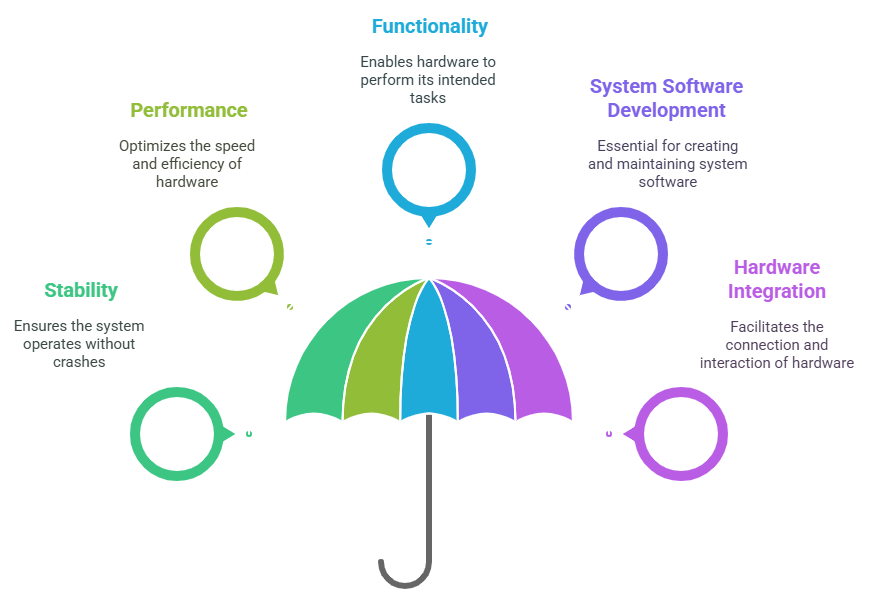
What is System Software
System software is the main software that runs your device. It manages the hardware and allows other software (like apps) to work properly.
In simple words, system software acts like a bridge between you and your device’s hardware. Without it, your computer or phone cannot function at all.
For example, when you turn on your phone and see the home screen, that’s system software working in the background.
Why System Software is Important
System software is essential because it controls everything on your device.
It manages memory, processes tasks, handles input and output, and ensures that all parts of your system work together smoothly.
Without system software, you wouldn’t be able to open apps, use the internet, or even start your device.
Main Types of System Software
System software is not just one thing. It includes different types that perform specific functions.
Operating System
The operating system is the most important type of system software.
It controls your entire device and allows you to interact with it. Examples include Android, Windows, macOS, and Linux.
When you open apps, adjust settings, or use your device, the operating system is making everything possible.
Device Drivers
Device drivers help your system communicate with hardware devices.
For example, when you connect a printer, mouse, or keyboard, drivers allow your system to recognize and use them.
Without drivers, your hardware would not work properly.
Firmware
Firmware is a type of system software that is built directly into hardware devices.
It works at a very basic level and helps devices function correctly. For example, your router, TV, or even your phone has firmware inside it.
It usually doesn’t need frequent updates, but it plays an important role.
Utility Programs
Utility programs are tools that help maintain and manage your system.
These include antivirus software, disk cleanup tools, and backup programs.
They help improve performance, remove unwanted files, and keep your system secure.
How System Software Works
System software works in the background all the time.
When you give a command—like opening an app or clicking a button—the system software processes that command and tells the hardware what to do.
It also manages multiple tasks at once, ensuring your device runs smoothly without crashing.
Difference Between System Software and Application Software
Many beginners get confused between system software and application software.
System software runs the device and supports everything. Application software is what you use for specific tasks, like browsing, gaming, or chatting.
For example, your operating system is system software, while apps like browsers or social media apps are application software.
Real-Life Examples of System Software
You use system software every day without noticing it.
When your phone starts, when your laptop connects to Wi-Fi, or when your system updates automatically—that’s all system software in action.
Even something as simple as adjusting volume or brightness is controlled by system software.
Common Mistakes Beginners Make
One common mistake is ignoring system updates. Updates are important because they fix bugs and improve security.
Another mistake is installing unknown software that may harm system files.
Also, some users try to delete system files to save space, which can damage the device.
It’s always better to let system software work as it is.
Tips to Manage System Software Properly
Keep your operating system updated regularly.
Avoid downloading software from unknown sources.
Use trusted utility tools to maintain your system.
Restart your device occasionally to keep it running smoothly.
These simple steps can help your system perform better.
Future of System Software
In 2026 and beyond, system software is becoming smarter and more efficient.
With the help of AI and automation, operating systems are improving performance, security, and user experience.
Devices are becoming faster and more user-friendly because of advancements in system software.
Final Thoughts
Understanding what is system software is an important step for any beginner.
It helps you understand how your device works and how different parts come together.
You don’t need to learn everything in detail, but having basic knowledge makes you more confident in using technology.
At Secure Guide Tech, we aim to simplify tech for everyone. Once you understand system software, many other tech concepts become much easier to learn.