
If your phone battery keeps draining faster than expected, you’re definitely not alone. It’s one of the most common problems people face today. Whether you’re using your phone for work, social media, or just daily tasks, a weak battery can be frustrating. The good news is that you don’t need to be a tech expert to fix this. In this guide, we’ll talk about how to save battery life on your smartphone using simple and practical methods that actually work.
At Secure Guide Tech, we believe in keeping things easy to understand. You don’t need complicated settings or advanced tricks—just a few smart changes in your daily usage can make a big difference.
Why Your Smartphone Battery Drains Quickly
Before fixing the problem, it helps to understand why your battery drains so fast. In most cases, it’s not just one reason but a combination of small habits.
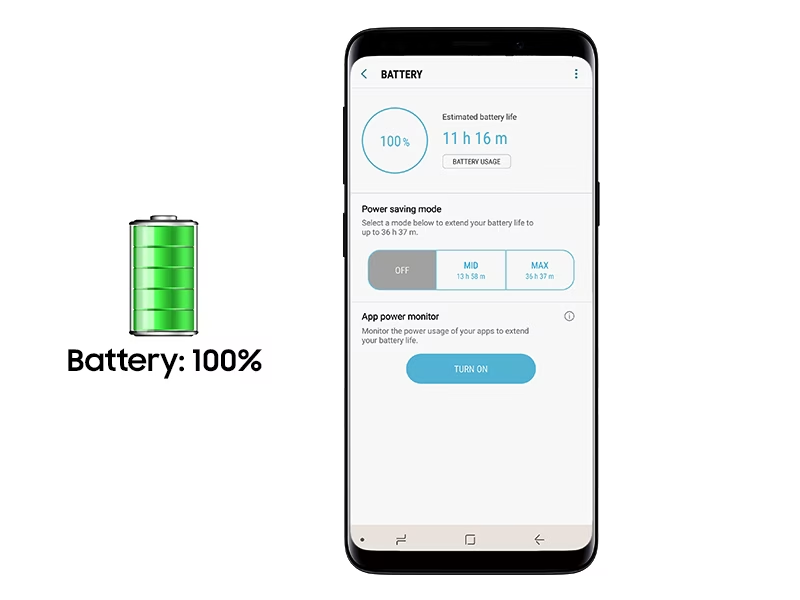
Things like high screen brightness, background apps, constant notifications, and location services can quietly use up your battery throughout the day. Even apps you don’t actively use can keep running in the background and consume power.
Once you become aware of these factors, it becomes easier to control them.
Reduce Screen Brightness and Timeout
Your screen is one of the biggest battery consumers on your phone. Keeping the brightness too high can drain your battery much faster than you think.If you want to save battery life on smartphone, you need to follow some simple tips.
Try lowering your brightness to a comfortable level instead of keeping it at maximum. You can also turn on auto-brightness so your phone adjusts based on lighting conditions.
Another simple trick is reducing screen timeout. If your screen stays on for too long when you’re not using it, it wastes battery unnecessarily.
Turn On Battery Saver Mode
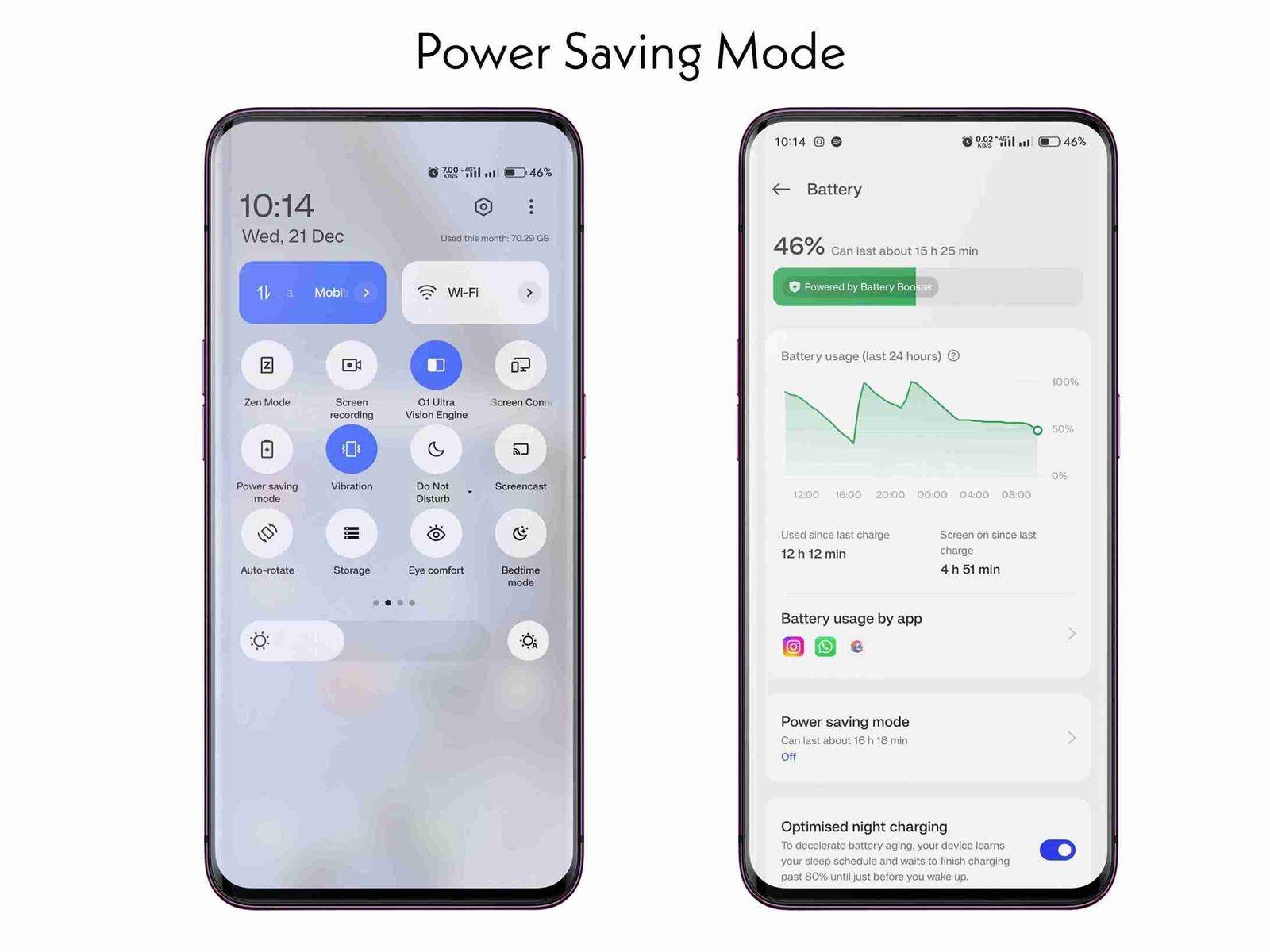
Most smartphones come with a built-in battery saver mode, but many people forget to use it.
When you turn on battery saver, your phone automatically limits background activity, reduces performance slightly, and adjusts settings to save power.
It’s especially useful when your battery is low and you need your phone to last longer.
Close or Limit Background Apps
Many apps continue running in the background even after you stop using them. These apps use battery without you noticing.
You don’t need to manually close every app all the time, but it’s a good idea to check which apps are using the most battery.
Go to your battery settings and review usage. If you find an app consuming too much power, consider limiting its background activity or uninstalling it if it’s not important.
Turn Off Unnecessary Notifications
Notifications might seem harmless, but they actually wake up your screen and use power every time they appear.
If you’re getting constant notifications from apps you don’t really need, it’s better to turn them off.
This not only saves battery but also reduces distractions.
Disable Location Services When Not Needed
Location services are useful for maps and ride apps, but they don’t need to be active all the time.
Many apps use your location even when you’re not using them. This can drain your battery quickly.
You can either turn off location completely when not needed or allow it only for specific apps.
Use Dark Mode
Dark mode is not just about looks—it can actually help save battery, especially on phones with OLED screens.
When dark mode is enabled, your phone uses less power to display darker colors. It also feels easier on the eyes, especially at night.
It’s a small change, but over time it can make a noticeable difference.
Keep Your Apps and System Updated
Updates are not just about new features. They often include performance improvements and battery optimizations.
Using outdated apps or software can sometimes cause battery drain issues.
Make sure your phone and apps are updated regularly to ensure better efficiency.
Avoid Extreme Temperatures
Battery performance is affected by temperature. Using your phone in very hot or very cold conditions can reduce battery life.
Try to keep your phone in a normal temperature environment as much as possible. Avoid leaving it in direct sunlight or using it heavily while charging.
This helps maintain long-term battery health.
Limit High Power Features
Some features like Bluetooth, Wi-Fi, and mobile data can consume battery when left on unnecessarily.
If you’re not using them, it’s better to turn them off. For example, if you’re not connected to Wi-Fi, turning it off prevents your phone from constantly searching for networks.
These small habits help reduce unnecessary battery usage.
Reduce Use of Live Wallpapers and Widgets
Live wallpapers and too many widgets may look nice, but they can drain your battery.
Switching to a simple wallpaper and limiting widgets on your home screen can help improve battery performance.
It’s a simple adjustment that often gets overlooked.
Charge Smartly
Charging habits also affect your battery life.
Avoid letting your battery drop to 0% regularly. It’s better to charge it when it goes below 20%. Also, try not to keep it plugged in all the time after it reaches 100%.
Using original or good-quality chargers also helps maintain battery health.
A Simple Daily Routine for Better Battery Life
If you want to keep things simple, focus on a few daily habits.
Keep brightness moderate, turn on battery saver when needed, limit background apps, and avoid unnecessary features like Bluetooth or location when not in use.
You don’t need to do everything at once. Even a few changes can improve your battery performance.
Common Mistakes to Avoid
Many people think closing all apps constantly will save battery, but that’s not always necessary.
Another mistake is ignoring battery usage settings. Your phone already shows which apps are draining power—you just need to check it.
Also, avoid installing too many “battery saver” apps, as they often do more harm than good.
Final Thoughts
Saving battery life on your smartphone doesn’t require technical knowledge. It’s mostly about awareness and small changes in how you use your device.
By following these simple tips, you can make your battery last longer and avoid the frustration of constant charging.
At Secure Guide Tech, we always focus on practical solutions that anyone can follow. Start with a few changes, stay consistent, and you’ll notice the difference in your daily phone usage.