
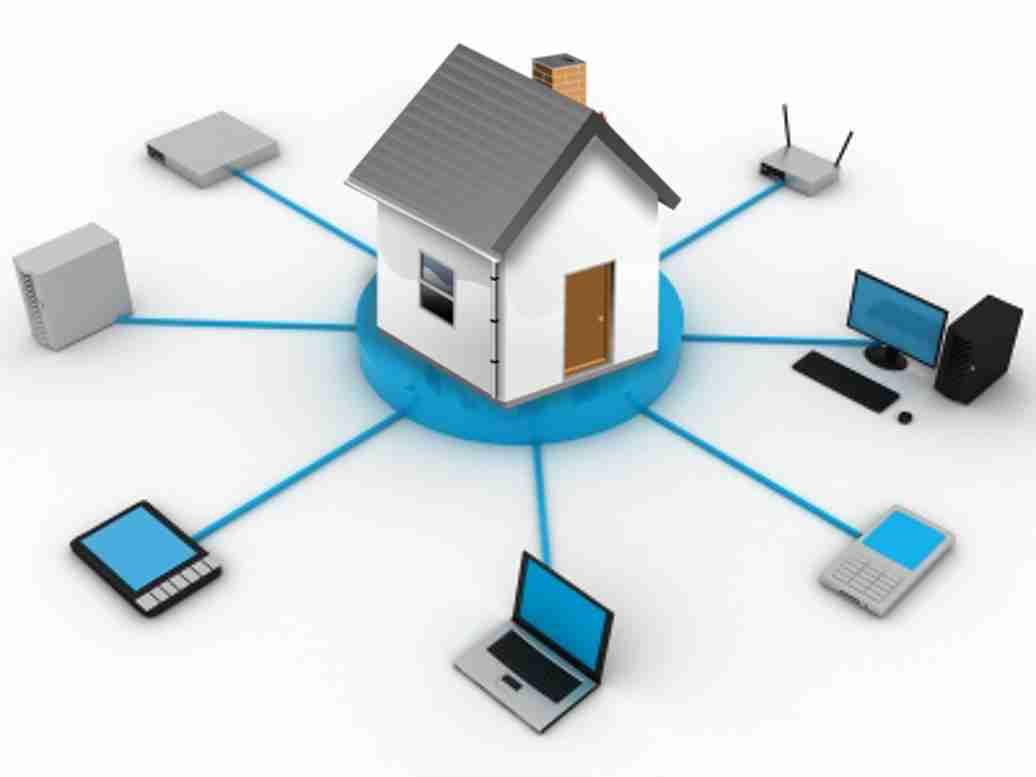
In today’s connected world, your home WiFi network is the backbone of your digital life. From smartphones and laptops to smart TVs and home devices, everything depends on a stable internet connection. However, many people overlook an important aspect—security. Understanding how to secure your home WiFi network is essential to protect your personal data and prevent unauthorized access.
For readers of Secure Guide Tech, this guide will walk you through simple yet effective steps to make your WiFi network safe. You do not need advanced technical skills to improve your network security. With a few smart changes, you can protect your devices and enjoy a secure online experience.
Why WiFi Security Matters
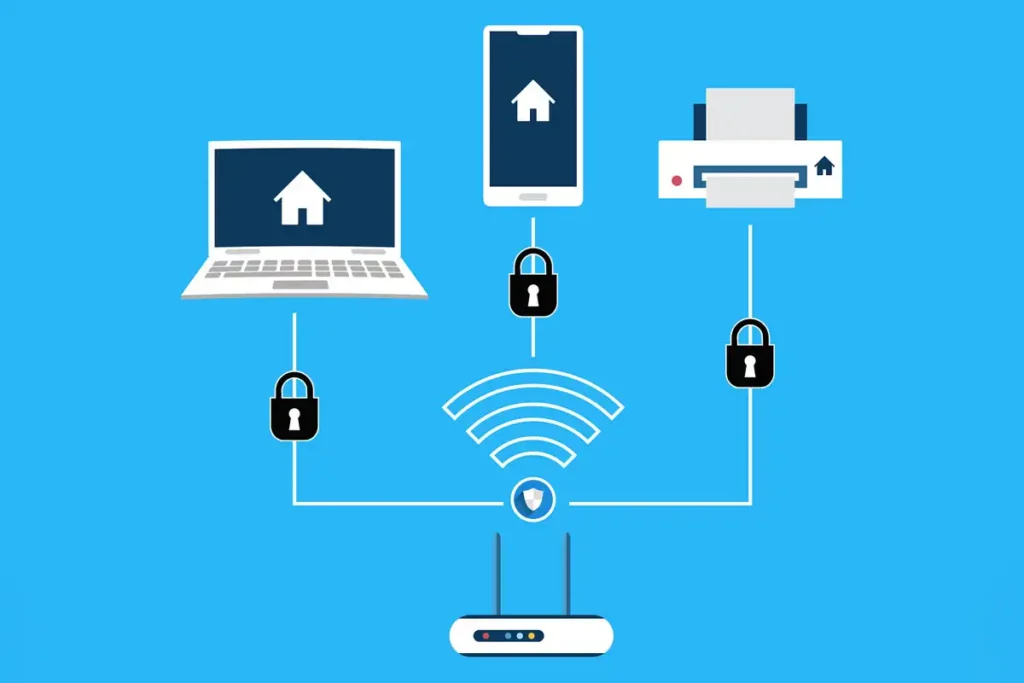
Your WiFi network is like a gateway to your personal information. If it is not properly secured, hackers can gain access to your data, monitor your activity, and even control connected devices.
Unsecured networks can lead to data theft, slower internet speeds, and unauthorized usage. In some cases, attackers can use your network for illegal activities.
As more devices connect to the internet, securing your home WiFi becomes even more important in 2026.
Change the Default Router Username and Password
One of the first steps to secure your WiFi network is changing the default login credentials of your router. Most routers come with standard usernames and passwords, which are easy for hackers to guess.
Access your router settings and create a strong and unique username and password. This prevents unauthorized access to your network settings.
Use a Strong WiFi Password
Your WiFi password is the key to your network. Using a weak password makes it easy for others to connect without permission.
Create a strong password that includes a mix of letters, numbers, and special characters. Avoid using simple words or personal information.
A strong password ensures that only authorized users can access your network.
Enable WPA3 or WPA2 Encryption
Encryption is essential for protecting your WiFi network. Modern routers offer WPA3 or WPA2 encryption, which secures your data during transmission.
Make sure your router is set to WPA3 if available, as it provides the highest level of security. If not, WPA2 is still a reliable option.
Avoid using outdated encryption methods like WEP, as they are no longer secure.
Change Your Network Name (SSID)
The default network name, also known as SSID, often reveals the router brand or model. This information can be useful for hackers.
Change your SSID to a unique name that does not reveal personal details or device information.
This simple step adds an extra layer of security.
Disable WPS (WiFi Protected Setup)
WPS is a feature that allows easy connection to your network using a PIN or button. While convenient, it can be vulnerable to attacks.
Disabling WPS reduces the risk of unauthorized access and improves overall security.
Keep Your Router Firmware Updated
Router manufacturers release updates to fix security vulnerabilities. Keeping your router firmware updated ensures that your network is protected against the latest threats.
Check your router settings regularly for updates and install them when available.
Enable Network Firewall
Most routers come with a built-in firewall that helps block unauthorized access. Make sure this feature is enabled in your router settings.
A firewall acts as a barrier between your network and potential threats, providing an extra layer of protection.
Use a Guest Network
If you have visitors who need internet access, consider setting up a guest network. This allows them to connect without accessing your main network.
A guest network keeps your personal devices and data separate, reducing security risks.
Limit Connected Devices
Regularly check the devices connected to your network. Remove any unknown or suspicious devices immediately.
Limiting the number of connected devices improves both security and performance.
Turn Off Remote Management
Remote management allows you to control your router from outside your home network. While useful, it can also be a security risk.
Disable this feature unless you specifically need it. This prevents outsiders from accessing your router settings.
Position Your Router Properly
The placement of your router can affect security. If your WiFi signal extends too far outside your home, it becomes easier for outsiders to access it.
Place your router in a central location and adjust the signal strength if possible.
This helps limit access to your network.
Use a VPN for Extra Security
Using a VPN adds an extra layer of protection by encrypting your internet connection. It is especially useful when accessing sensitive information.
While not mandatory, a VPN can enhance your overall online security.
Monitor Network Activity
Keep an eye on your network activity to detect unusual behavior. Many routers provide logs that show connected devices and usage.
Regular monitoring helps you identify potential threats early.
Common Mistakes to Avoid
Many users make simple mistakes that compromise their WiFi security. Using weak passwords, ignoring updates, and leaving default settings unchanged are common issues.
Another mistake is sharing your WiFi password with too many people.
Avoiding these mistakes can significantly improve your network security.
Tips for Long-Term Security
Regularly update your passwords and review your network settings.
Stay informed about new security threats and best practices.
Invest in a modern router with advanced security features if needed.
Make security a habit rather than a one-time task.
Conclusion
Understanding how to secure your home WiFi network is essential for protecting your digital life. With increasing cyber threats, taking simple steps can make a big difference.
For readers of Secure Guide Tech, implementing these tips will help you create a safe and secure network environment. From strong passwords to updated firmware, every step contributes to better security.
By staying proactive and aware, you can enjoy a fast, reliable, and secure internet connection at home.